Blu-ray playback plugin for VLC and Kodi - x64 versions
2026-10-20This plugin contains a standalone Java virtual machine to show Blu-ray menu without relying on JDK or JRE.
Download plugin for VLC x64 (3.8 MB)
Download plugin for VLC x86 (3.7 MB)
Download plugin for Kodi x64 (3.7 MB)
Download plugin for Kodi x86 (3.6 MB)
Feature
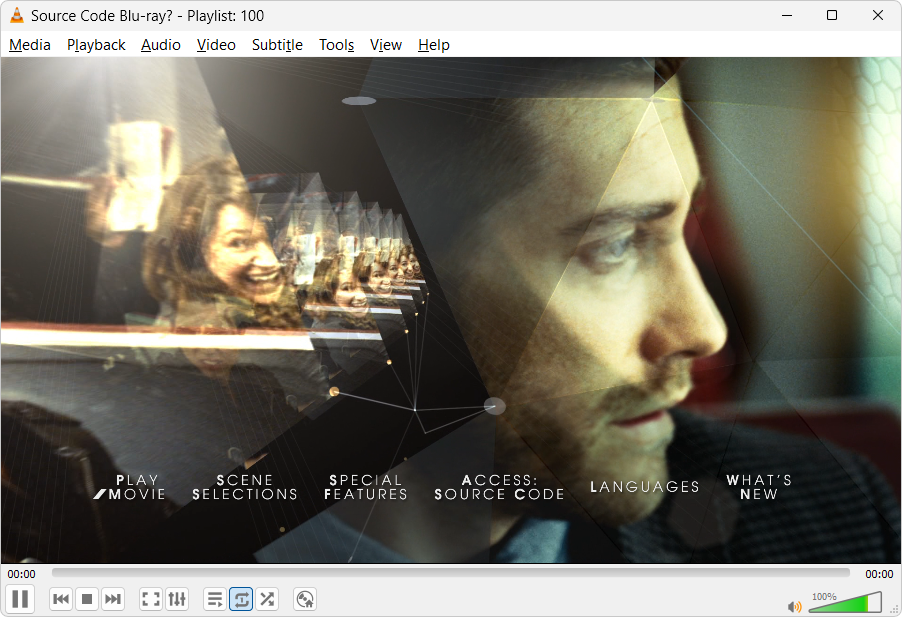
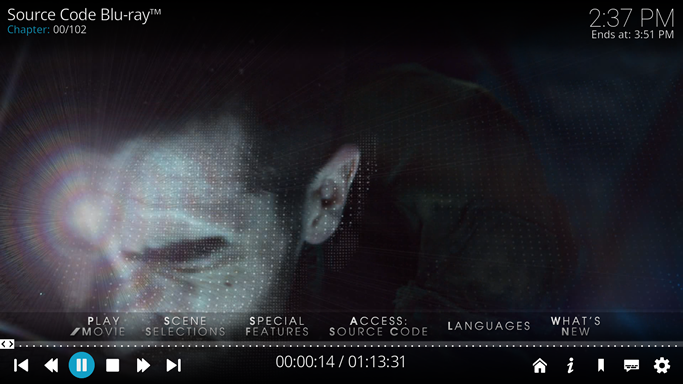
- Show Blu-ray menu without relying on JDK/JRE
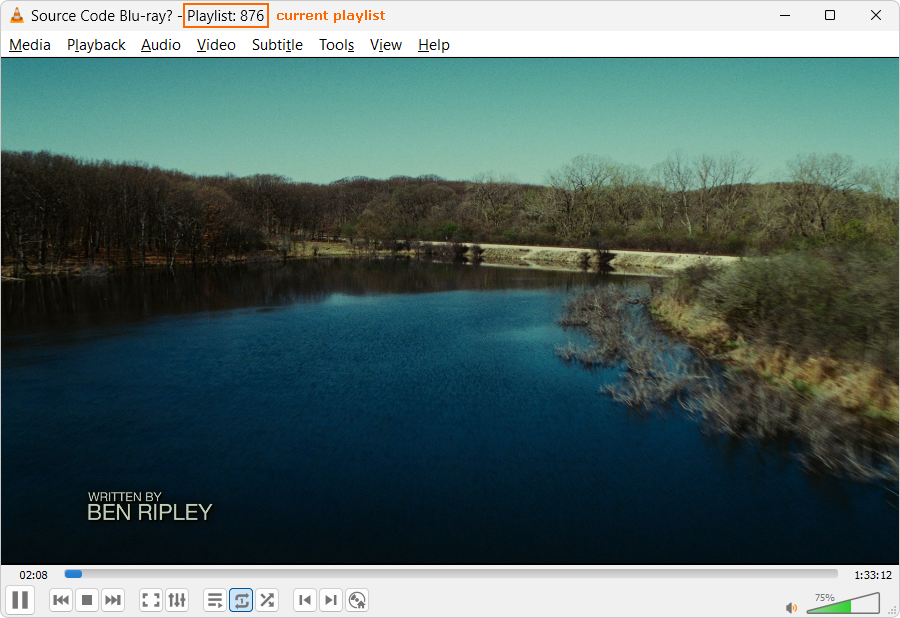
- Show the current playlist in VLC window title
How to use
For VLC media play 3.0.24 64-bit
- Download and install VLC 64-bit version: vlc-3.0.24-win64.exe.
- Download and install bluray-playback-plugin-vlc-1.5.1-x64.exe.
For VLC media play 3.0.24 32-bit
- Download and install VLC 32-bit version: vlc-3.0.24-win32.exe.
- Download and install bluray-playback-plugin-vlc-1.5.1-x86.exe.
For Kodi v21.3 64-bit
- Download and install Kodi v21.3 64-bit version: kodi-21.3-Omega-x64.exe.
- Download and install bluray-playback-plugin-kodi-1.5.1-x64.exe.
For Kodi v21.3 32-bit
- Download and install Kodi v21.3 32-bit version: kodi-21.3-Omega-x86.exe.
- Download and install bluray-playback-plugin-kodi-1.5.1-x86.exe.
Screenshots
Bug Report
If you encounter a disc that cannot be played, please run Xreveal and then submit the metafile. Thank you.
Changelog
Version 1.5.1 2026-10-20
  Release x64 versions

Version 1.5.1 2026-09-24
  Updated to libbluray 1.5.1

Version 1.0 2026-04-03
  First public release